How to Install Composer on Windows
How to Install Composer on Windows
Drupal 8 and above need Composer to manage. Here is the step on how to install Composer to windows (in this example we are install in windows 10)
In order to install Composer you must already have php installed, for example WAMP or XAMPP installation.
Download the Composer installer from the Composer web site https://getcomposer.org/doc/00-intro.md#installation-windows
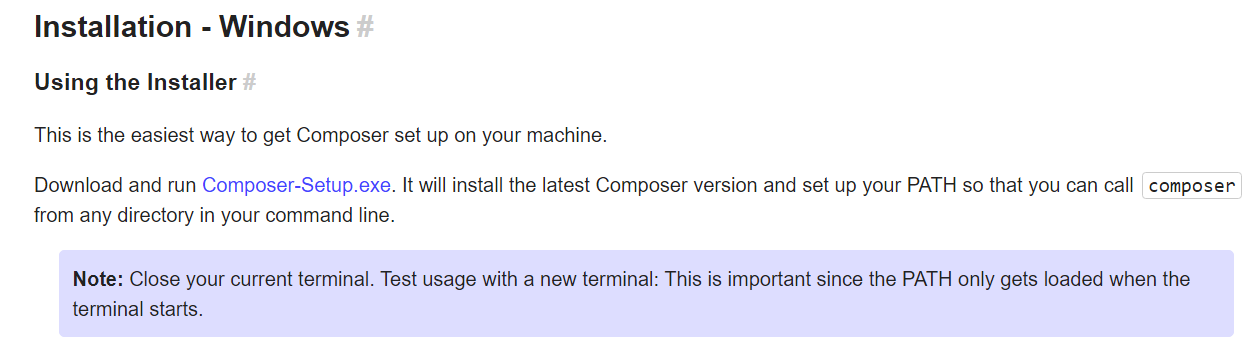
Click Composer-Setup exe. above and it will download
Find it in Download folder and double click it to install - Select ‘Install for all users (recommended).’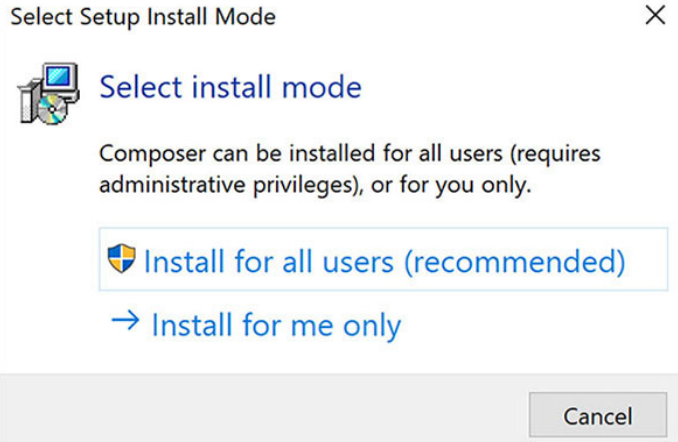
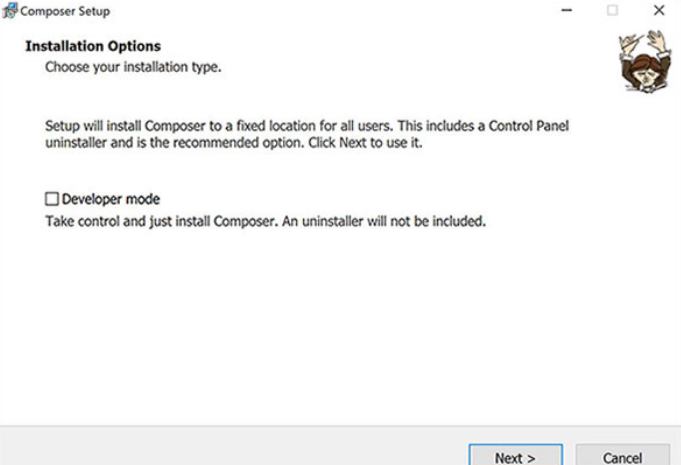
Do not check developer mode & click Next
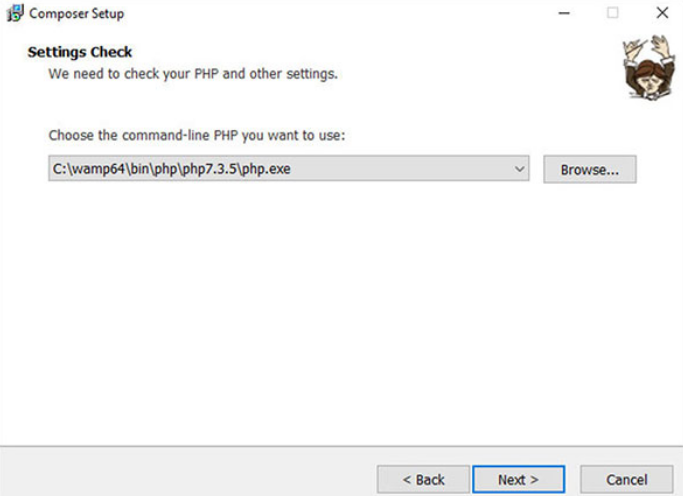
The path automatic detect - just click Next
Do not check 'Use a proxy server to connect to internet and click next
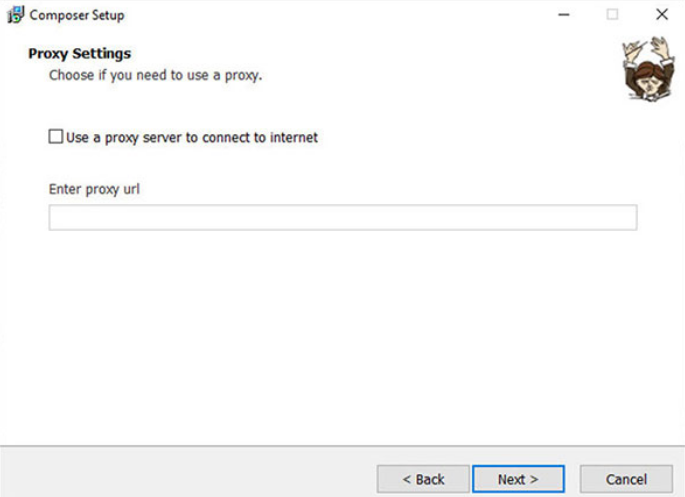
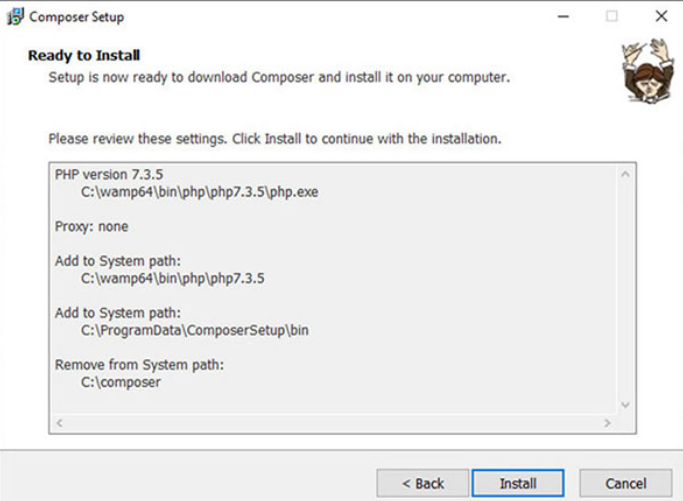
Ready to install and Click Install
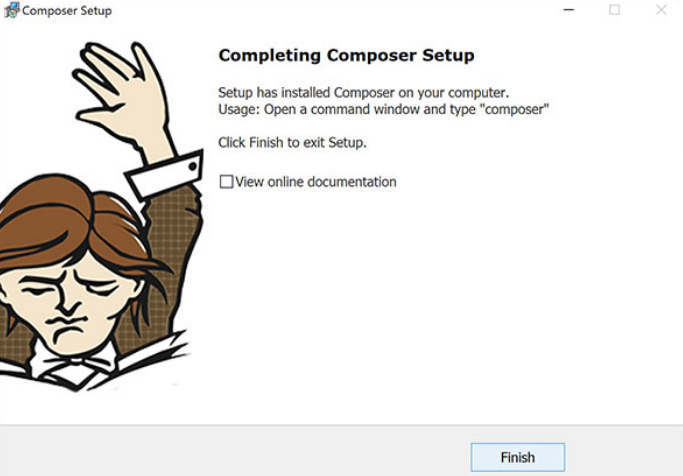
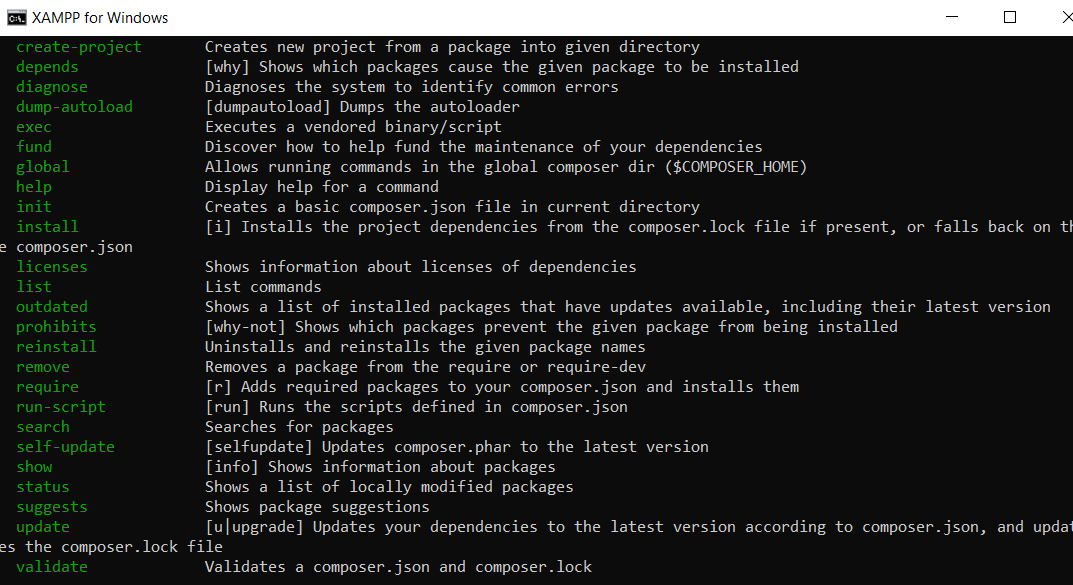
Open CMD Promt and test - type composer and enter
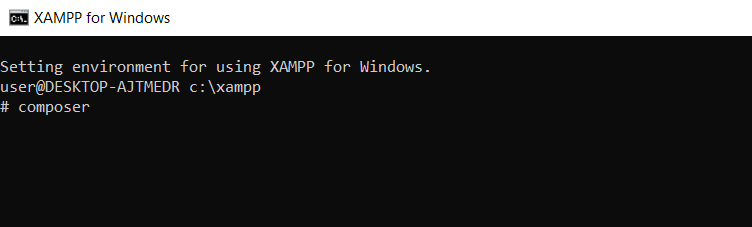
Success - when we see composer run as below mean we have success install Composer and we can start using it to manage our site like install and manage our Drupal site.
client = ca-pub-2898279488603899
slot = 9058461004
format = auto