How to install xampp in windows
How to install xampp in windows
Step by step:-
- Download xampp
- Open the file & install it (if we have unti virus running, disable it temporaryly)
- Start the setup wizard
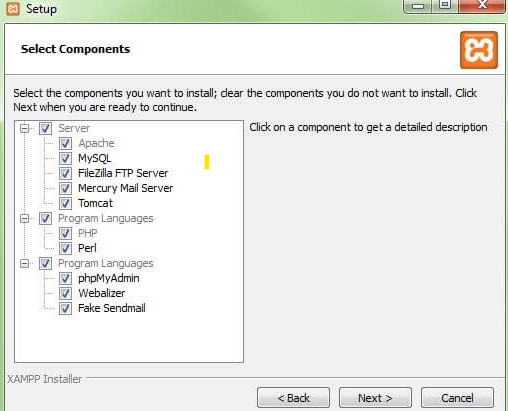
- Choose the software component - just left as it and click next
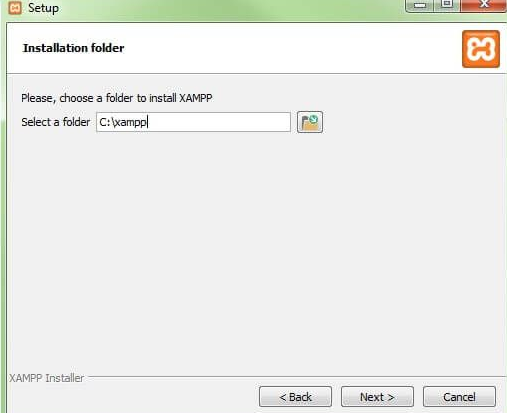
- Choose the installation directory - just follow as recomanded as below and click Next
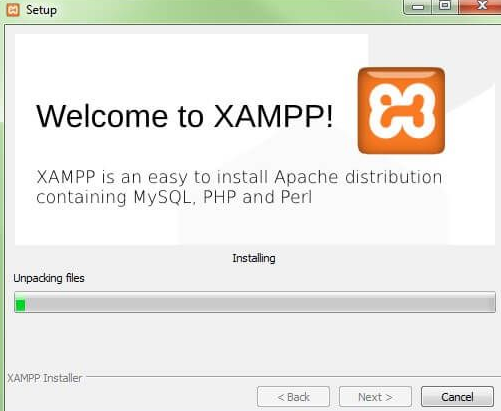
- Start the installing proses
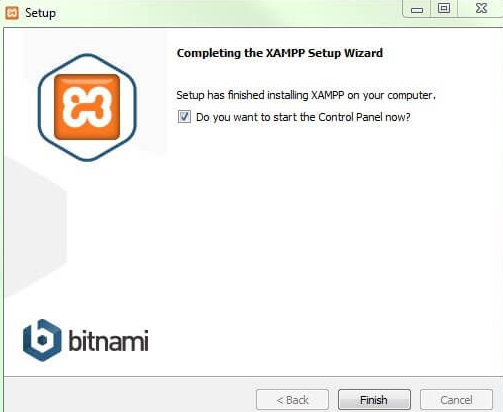
- finish and run
- Xampp control panel
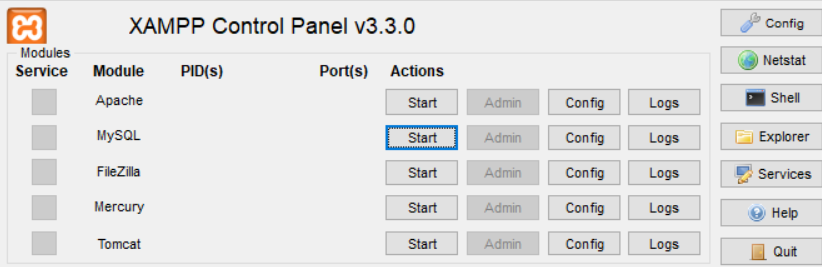
Now we can start using control panel - click Start for Apache & MySQL
Problem & how to solve
1) Fatal error: Maximum execution time of 60 seconds exceeded in
This happen when we try to import a database
Add this line to xampp\phpmyadmin\config.inc.php
$cfg['ExecTimeLimit'] = 6000;
And Change xampp\php\php.ini to
post_max_size = 750M
upload_max_filesize = 750M
max_execution_time = 5000
max_input_time = 5000
memory_limit = 1000M
And change xampp\mysql\bin\my.ini
max_allowed_packet = 200M
Google AdSense
client = ca-pub-2898279488603899
slot = 9058461004
format = auto
client = ca-pub-2898279488603899
slot = 9058461004
format = auto